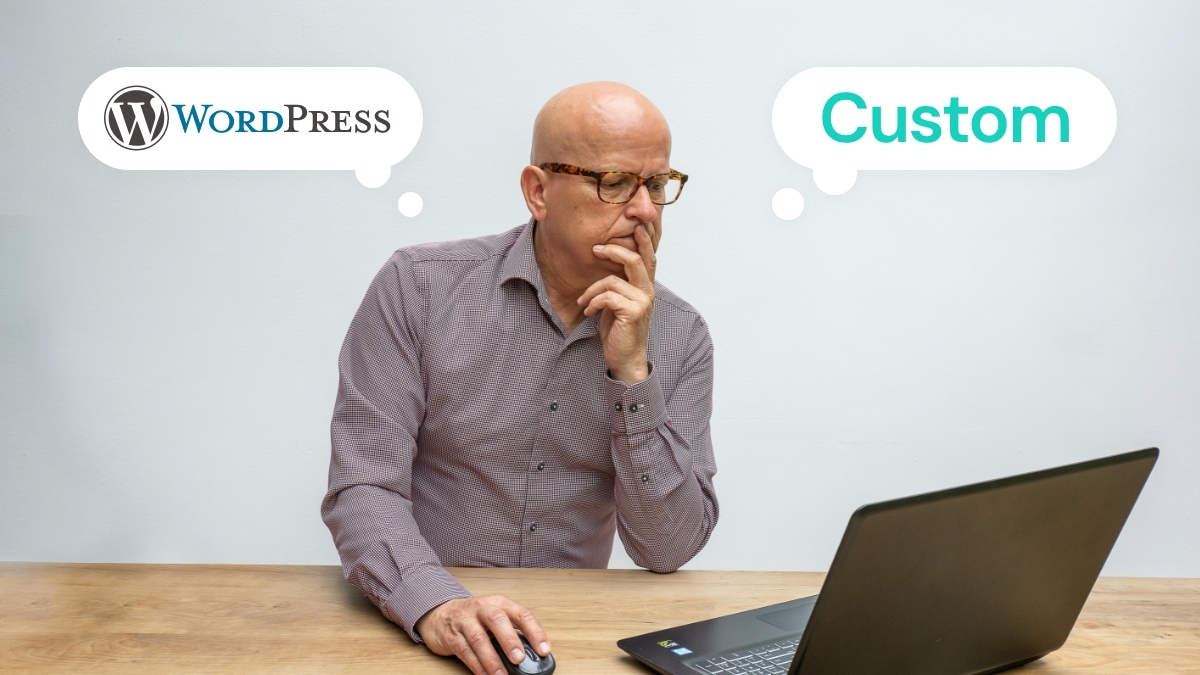
After two decades of building websites across both approaches, guiding businesses from local Brisbane startups to international enterprises, we’ve developed a systematic framework for making this decision. The answer isn’t universal, and it’s certainly not about which technology is “better.” Instead, it’s about matching your business requirements, timeline, and growth trajectory to the most appropriate solution.
The landscape has shifted dramatically since WordPress powered 25% of the web. Today, it approaches 45% market share whilst custom development tools have evolved to offer unprecedented speed and flexibility. Meanwhile, business requirements have become more sophisticated, security concerns more pressing, and performance expectations more demanding.
Understanding the Modern WordPress Landscape
WordPress in 2026 bears little resemblance to its blogging platform origins. The introduction of block editors, REST API capabilities, and headless CMS functionality has transformed it into a genuine application platform. However, this evolution brings both opportunities and complexities that affect the decision matrix.
WordPress’s current strengths:
- Mature ecosystem with 60,000+ plugins addressing virtually every functional requirement
- Extensive theme marketplace offering professional design starting points
- Large talent pool familiar with the platform, reducing hiring and maintenance costs
- Proven scalability powering major publications and eCommerce platforms
- Robust security when properly maintained and configured
- SEO-friendly architecture with extensive optimisation tools
WordPress’s persistent limitations:
- Plugin dependency can create security vulnerabilities and compatibility issues
- Performance overhead from unnecessary features and bloated themes
- Customisation constraints when requirements exceed plugin capabilities
- Database structure optimised for content management, not complex applications
- Regular maintenance requirements for core, theme, and plugin updates
The evolution factor: WordPress continues advancing rapidly. The upcoming features roadmap includes improved performance optimisation, enhanced security frameworks, and better developer tools. However, this constant evolution also means ongoing learning curves and potential compatibility disruptions.
When WordPress Makes Strategic Sense
WordPress excels in specific scenarios where its strengths align with business requirements. Understanding these scenarios prevents both over-engineering simple solutions and under-engineering complex requirements.
Content-heavy websites with regular publishing needs: Marketing agencies, professional services, news organisations, and educational institutions benefit from WordPress’s content management strengths. The editorial workflow, user role management, and publishing tools provide immediate productivity gains.
eCommerce with standard requirements: WooCommerce powers approximately 28% of online stores globally. For businesses selling physical products with standard checkout flows, inventory management, and payment processing, WooCommerce provides comprehensive functionality without custom development costs.
Rapid deployment priorities: When time-to-market is crucial, WordPress enables faster launches. A well-configured WordPress site can launch in 6-12 weeks versus 16-24 weeks for equivalent custom development.
Budget-conscious projects with growth potential: WordPress provides an excellent starting point for businesses that need professional presence immediately but plan future expansion. The platform can handle significant growth whilst allowing gradual custom development integration.
Multi-site management requirements: WordPress multisite functionality excels for organisations managing multiple related websites – franchise businesses, educational institutions, or companies with multiple brands.
Teams with existing WordPress expertise: If your team already understands WordPress, leveraging existing knowledge reduces training costs and implementation risks.
When Custom Development Becomes Necessary
Custom development isn’t about prestige or technical preference – it addresses specific business requirements that platforms cannot efficiently satisfy.
Complex business logic and workflows: Custom applications with intricate user interactions, multi-step processes, or industry-specific functionality often exceed WordPress’s capabilities. Financial applications, project management tools, and specialised booking systems typically require custom architecture.
Performance-critical applications: Applications requiring sub-second response times, handling high concurrent users, or managing large datasets benefit from optimised custom code. eCommerce platforms processing thousands of simultaneous transactions need purpose-built architecture.
Unique user experience requirements: When your competitive advantage depends on distinctive user interfaces or innovative interaction patterns, custom development provides unlimited creative freedom. WordPress themes, whilst flexible, ultimately constrain design possibilities.
Integration-heavy environments: Businesses requiring deep integration with multiple enterprise systems – ERP, CRM, inventory management, or specialised APIs – often benefit from custom architecture designed around integration requirements.
Scalability beyond WordPress limits: Whilst WordPress can scale significantly, applications expecting massive growth or complex data relationships may outgrow platform capabilities. Custom development provides architectural control over scalability strategies.
Security and compliance requirements: Industries with strict security standards or regulatory compliance needs may require custom development to achieve necessary control over data handling, user authentication, and audit capabilities.
The Hybrid Approach: Best of Both Worlds
Modern development increasingly favours hybrid approaches that leverage WordPress’s content management strengths whilst extending functionality through custom development.
Headless WordPress implementation: Using WordPress as a content management system whilst building custom frontend applications provides editorial workflow benefits without frontend constraints. This approach suits businesses needing advanced user interfaces whilst maintaining content team productivity.
WordPress with custom plugins: Developing custom plugins for WordPress allows platform benefits whilst addressing specific business requirements. This approach works well when 80% of functionality aligns with WordPress capabilities but specific features require custom development.
Microservices architecture: Combining WordPress for content management with custom microservices for specialised functionality provides flexibility and scalability. eCommerce sites might use WordPress for content whilst handling inventory and payment processing through custom services.
Progressive enhancement: Starting with WordPress and gradually replacing components with custom development allows businesses to evolve their technical architecture alongside growth requirements.
The Decision Framework: A Systematic Approach
Rather than making technology decisions based on preferences or assumptions, we’ve developed a systematic evaluation framework that considers all relevant factors.
Timeline and Budget Assessment
Immediate launch requirements: If you need to be online within 8-12 weeks, WordPress typically provides the fastest path to a professional result. Custom development requires longer timelines for planning, development, and testing.
Budget allocation strategy: WordPress projects typically require $7,500-$25,000 for professional implementation, whilst comparable custom development ranges from $15,000-$75,000. However, total cost of ownership over 3-5 years often favours custom development for complex requirements.
Resource availability: Consider ongoing maintenance requirements. WordPress needs regular updates, security monitoring, and plugin management. Custom development requires developer availability for feature additions and technical maintenance.
Functional Requirements Analysis
Feature complexity assessment: List all required functionality and categorise each as:
- Standard (available through existing WordPress plugins)
- Customisable (possible through WordPress but requiring significant modification)
- Complex (requiring custom development regardless of platform)
If more than 40% of requirements fall into “complex” category, custom development likely provides better long-term value.
Integration requirements: Document all required integrations with existing business systems. WordPress handles many standard integrations well, but complex or proprietary systems often require custom development.
Performance expectations: Define specific performance requirements including page load times, concurrent user capacity, and data processing needs. WordPress can achieve good performance but requires more effort for exceptional performance.
Growth and Scalability Planning
Traffic projections: Estimate realistic traffic growth over 3-5 years. WordPress handles substantial traffic well but requires more infrastructure planning for high-volume sites.
Functionality evolution: Consider how requirements might change as your business grows. WordPress provides flexibility for content-focused growth whilst custom development better accommodates complex feature evolution.
Team development: Evaluate whether your team will develop WordPress expertise or prefer custom development skills. This affects long-term maintenance costs and capabilities.
Risk Assessment and Mitigation
Technical risk factors:
- WordPress: Plugin compatibility, security vulnerabilities, performance limitations
- Custom development: Development complexity, longer timelines, higher initial costs
Business risk considerations:
- WordPress: Platform dependency, customisation limitations, ongoing maintenance needs
- Custom development: Technical expertise requirements, higher replacement costs
Mitigation strategies: Regardless of chosen approach, plan for risk mitigation through proper backup systems, security monitoring, performance optimisation, and documentation.
Making the Decision: Real-World Applications
Let’s examine how this framework applies to common business scenarios.
Professional services firm (law, accounting, consulting): Typically benefits from WordPress due to content management needs, standard functionality requirements, and budget considerations. Custom development rarely justified unless specialising in legal tech or requiring complex client portals.
eCommerce startup with unique business model: May require custom development if the business model involves complex vendor relationships, unique pricing structures, or innovative user experiences that differentiate from competitors.
Established business expanding online: WordPress often provides the fastest path to digital presence whilst allowing future custom development as requirements become clearer and budgets increase.
SaaS application or tech startup: Almost always requires custom development due to complex functionality, performance requirements, and competitive differentiation needs.
Content publisher or media company: WordPress typically provides optimal balance of functionality, cost, and editorial workflow efficiency.
Implementation Best Practices for Either Approach
Regardless of your decision, certain principles ensure successful outcomes.
WordPress Implementation Excellence
Theme and plugin selection: Choose reputable developers with active support and regular updates. Avoid themes with excessive features you won’t use, as they impact performance.
Security hardening: Implement comprehensive security measures including two-factor authentication, security monitoring, regular backups, and proper user permission management.
Performance optimisation: Use caching plugins, content delivery networks, image optimisation, and database cleanup to maintain fast loading times.
Maintenance planning: Establish procedures for regular updates, security monitoring, backup verification, and performance monitoring.
Custom Development Excellence
Architecture planning: Invest time in proper system architecture, database design, and scalability planning before beginning development.
Development standards: Use established coding standards, version control, automated testing, and documentation practices.
Security integration: Build security considerations into the development process rather than adding them afterwards.
Deployment and maintenance: Plan deployment procedures, monitoring systems, and ongoing maintenance requirements from the beginning.
The Total Cost of Ownership Perspective
Initial development costs represent only a portion of total website investment over 3-5 years.
WordPress ongoing costs:
- Hosting: $150-$600 annually
- Premium plugins and themes: $300-$1,500 annually
- Maintenance and updates: $1,200-$4,800 annually
- Security monitoring: $600-$2,400 annually
Custom development ongoing costs:
- Hosting: $600-$3,600 annually (depending on requirements)
- Developer maintenance: $2,400-$12,000 annually
- Feature additions: Variable based on business needs
- Security and monitoring: $1,200-$6,000 annually
Break-even analysis: For complex requirements, custom development often becomes cost-neutral within 2-3 years whilst providing better long-term flexibility and performance.
Future-Proofing Your Decision
Technology decisions made today should remain viable for 3-5 years minimum.
WordPress future considerations: The platform continues evolving toward improved performance, better developer tools, and enhanced security. However, this evolution requires ongoing learning and adaptation.
Custom development future considerations: Provides maximum control over technology choices and architecture evolution but requires ongoing developer expertise and technology stack maintenance.
Migration planning: Regardless of initial choice, plan for eventual migration or significant updates. WordPress sites may eventually require custom development, whilst custom applications may benefit from content management integration.
Making Your Decision
Use this systematic approach to evaluate your specific situation:
- Document all requirements including functional, performance, integration, and growth expectations
- Assess timeline and budget constraints including ongoing maintenance capabilities
- Evaluate team expertise and preferences for long-term sustainability
- Consider risk tolerance for both technical and business factors
- Plan for evolution including potential migration or expansion scenarios
The “right” choice aligns your technical platform with business objectives, resource constraints, and growth plans. Neither WordPress nor custom development is inherently superior – they excel in different scenarios and serve different business needs.
Conclusion: Strategy Over Technology
The WordPress versus custom development decision shouldn’t be about technology preferences or industry trends. It’s about strategically aligning your website platform with business objectives, growth plans, and resource capabilities.
WordPress continues maturing as a genuine application platform whilst custom development tools become more accessible and efficient. This convergence means the decision increasingly depends on specific business requirements rather than platform capabilities.
The most successful projects result from careful requirements analysis, honest budget and timeline assessment, and realistic growth planning. Whether you choose WordPress, custom development, or a hybrid approach, focus on building a foundation that supports your business objectives both today and as you grow.